Creating a complete environment using Octane and Cinema 4D
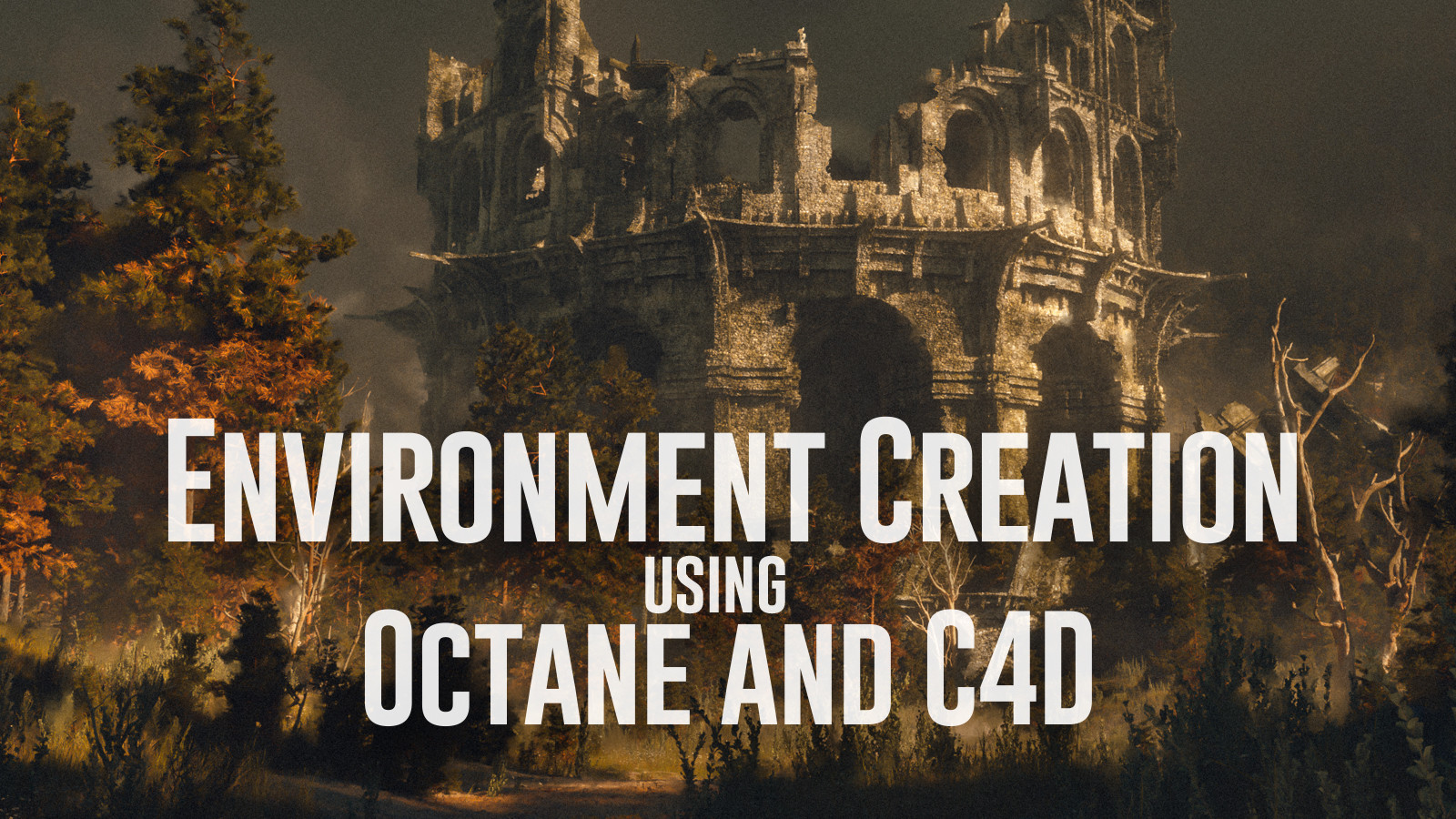
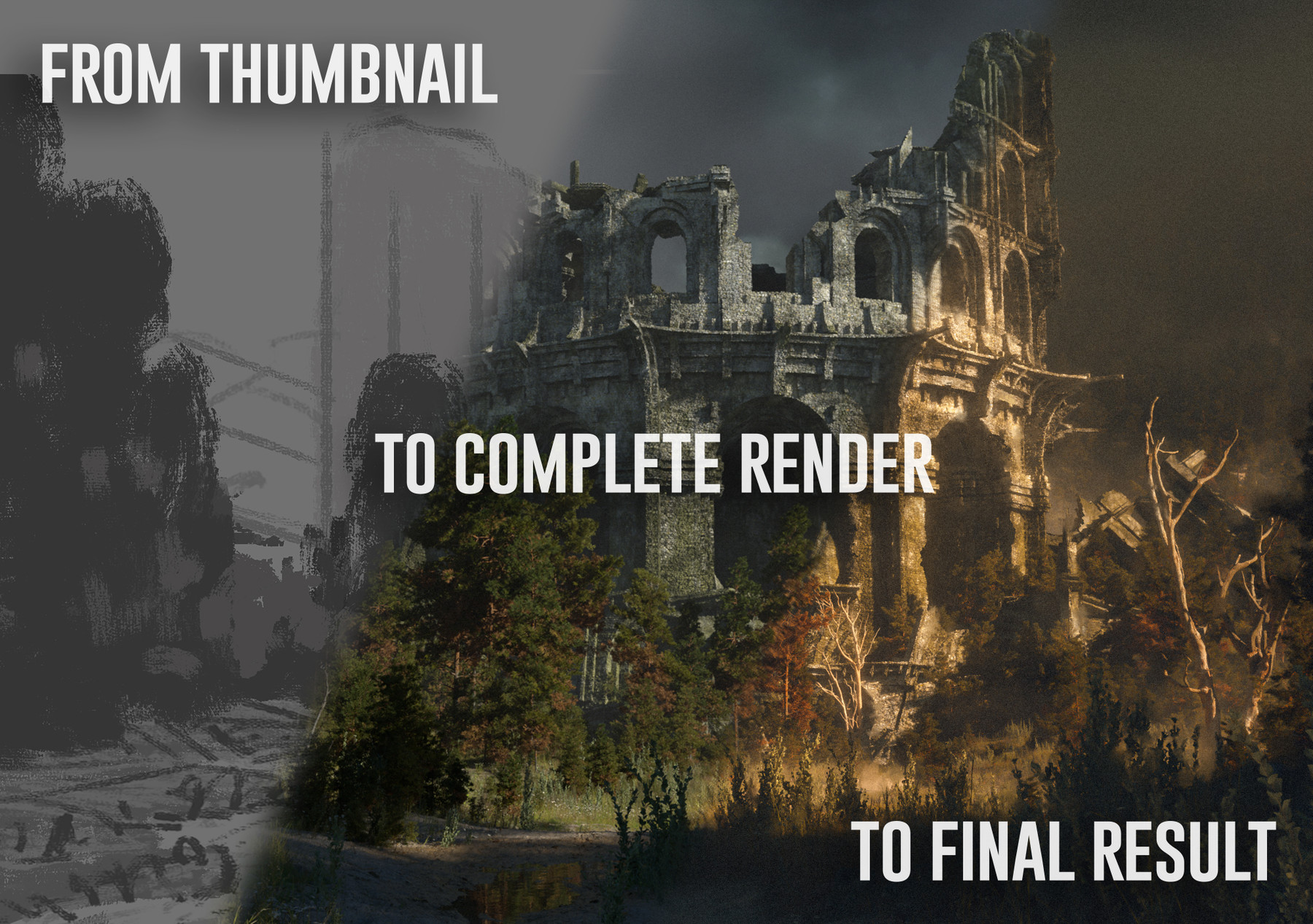
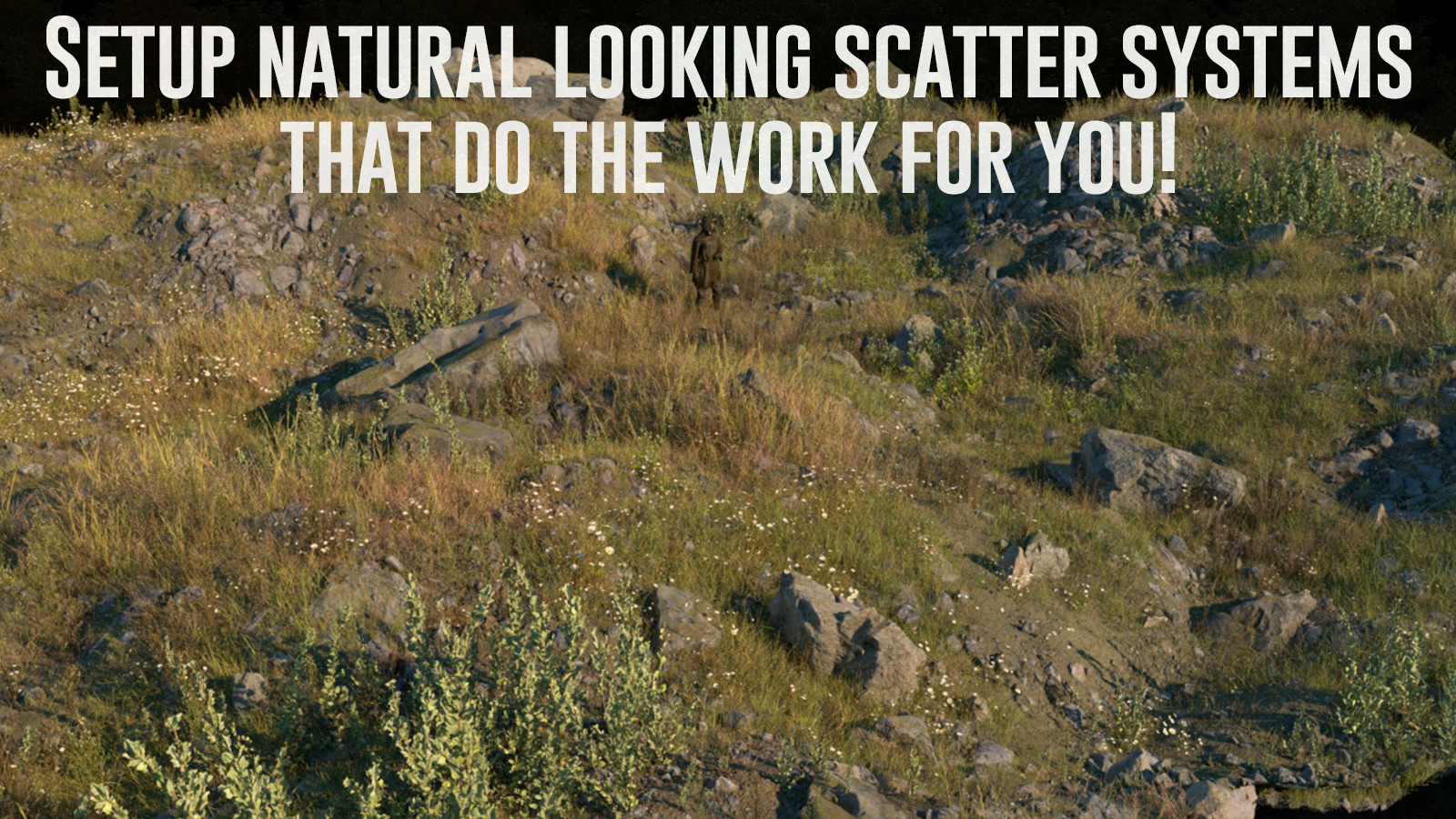

This is a big one! This tutorial covers my entire process of how I go about creating my landscape scenes in Octane/C4D. We cover everything from establishing a scene with all our plants/shaders, to building a complete scene and bringing the final result to life in Photoshop.
Promo video: https://youtu.be/_FOp2QDPJWI
First hour free! https://youtu.be/evgiQIPFiw8
what we go over:
setting up our assets:
-setting upphtoscanned ground materials and layering them together.
-setting up megascans grasses and plants in octane scatter systems and giving them color variation.
- creating a complex rock shader that allows us to have moss/snow on top of them
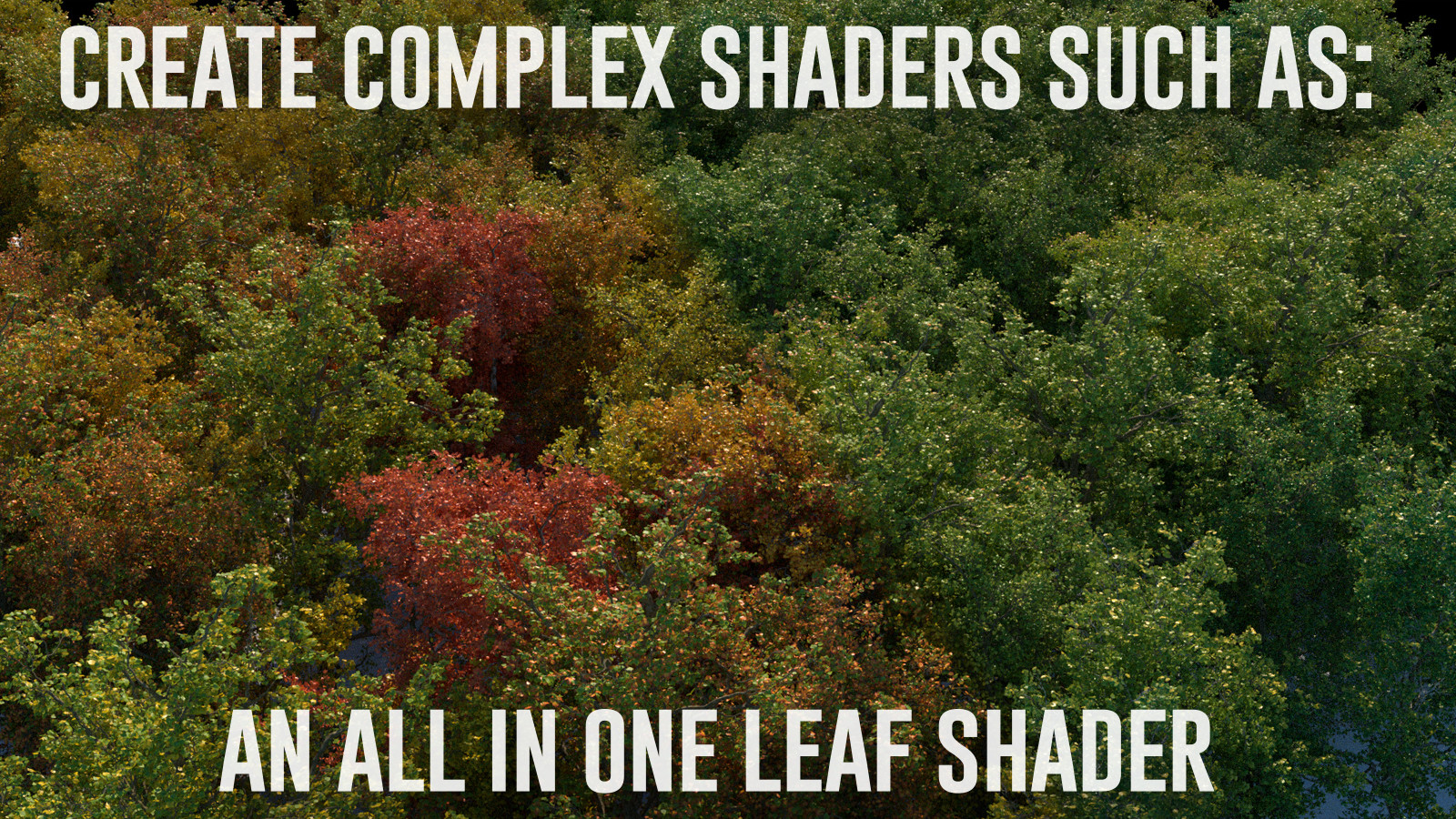
-setting up our leafy trees with a leaf shader thats a one slider to change the season and colors of the trees
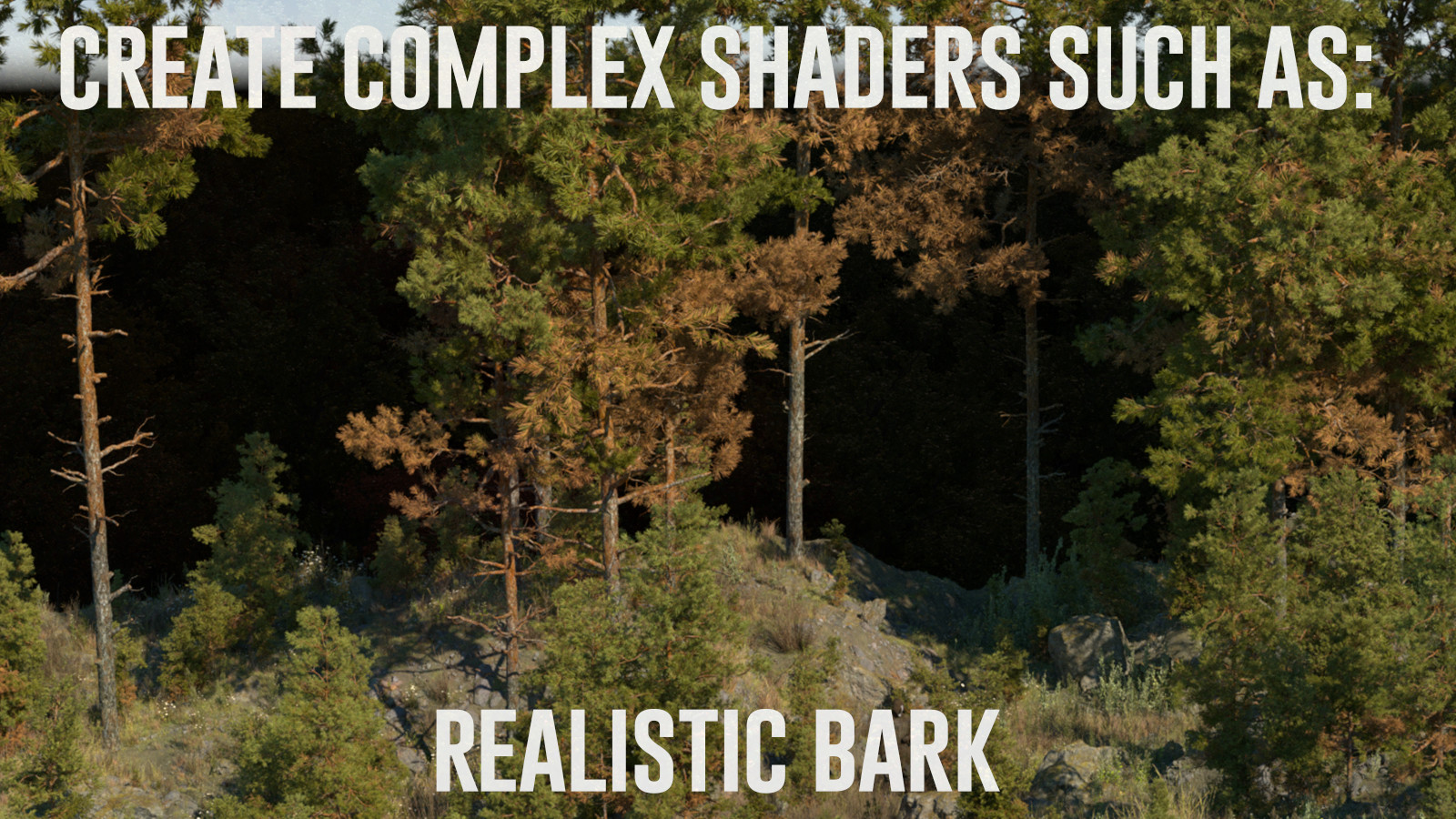
-creating a complex bark shader using photoscanned bark with procedural moss and creating a height gradient to give them variation.
-building a complex stonewall shader for our structure.
creating a scene using assets:
-we go over creating a thumbnail and collecting reference for our scene, giving you some tips for creating a balanced scene.
-we then start to build our complete scene! we go over establishing a ground plane and setting up the composition with basic ground sculpting and playing with the camera.
-we'll bring in and setup all our scattering systems to get our scene setup for refining.
-we then take our structure and go through designing, modeling in all the detials, and ultimately destroying it!
-we'll then start to refine our scene by bringing in some fog and lighting to bring our composition to life.
- after that its just down to refining our scene until we get a nice balance and add some interesting details like bringing in some dead trees and creating a puddle by building a shader that uses a vertex map to paint in mud.
-in the end we then setup our passes and redner out our final image which we then bring into photoshop to do our paintover
-in PS we go over using our passes, painting in the destruction detial, using ourz-depth pass to paint in layers of fog, using the smudge brush to create some lost edges, and using layer adjustments and camera raw filter to bring our scene to a beautiful almost painterly feeling end result!
-as a quick little bonus tip, I show my process for giving it that old BnW photo feel!
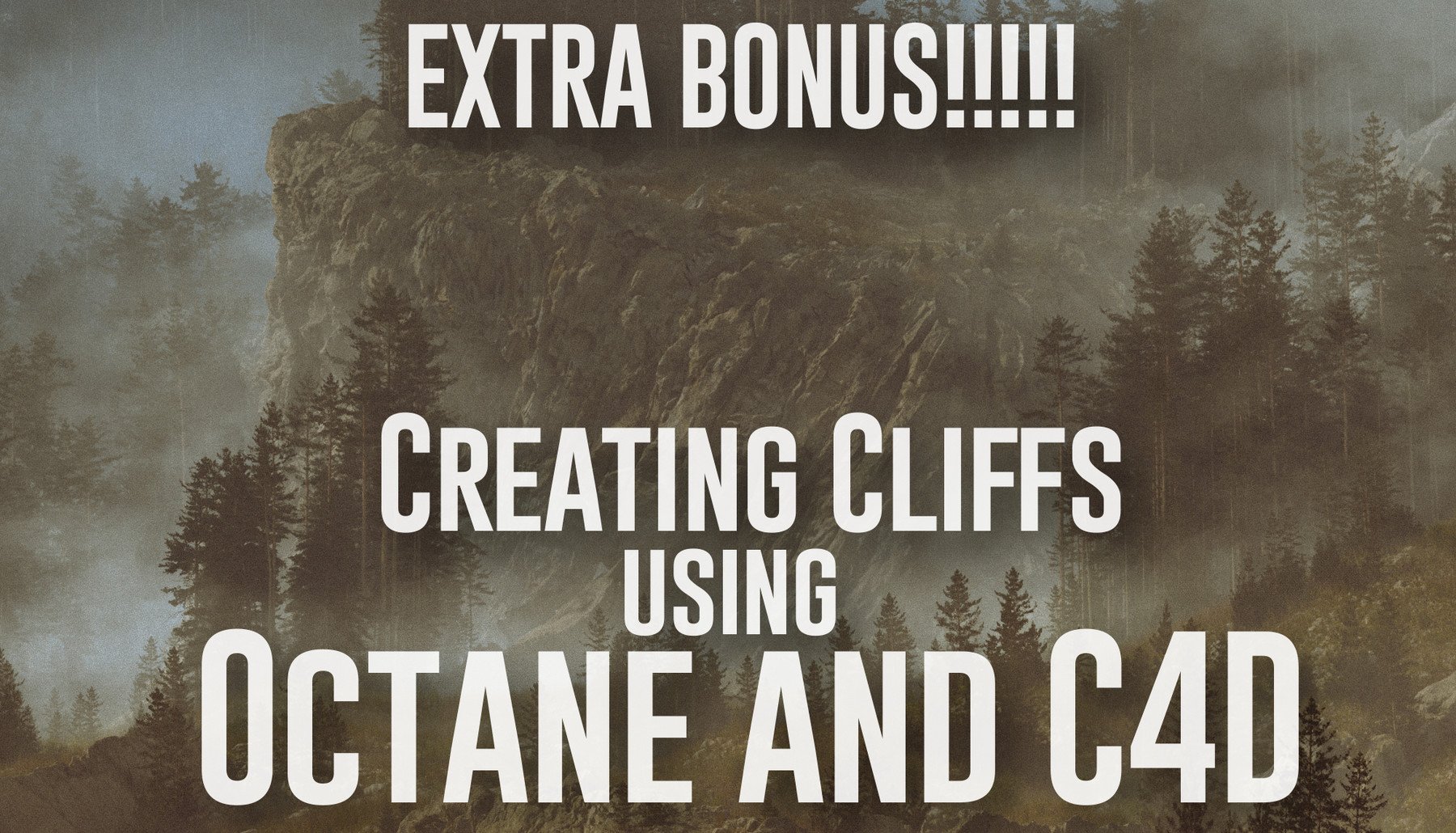
As an extra added bonus I've included my Creating Cliffs tutorial to complete the package and set you on your journey to become landscape creating beasts!
What do I need to have before I start:
- Octane and basic knowledge of using it.
- Cinema 4D(or other 3d software package) and the basic knowledge of using it.
- tileable textures ( I use rd-textures.com but megascans, substance,etc works)
- some foliage assets to complete setdressing scene (megascans, speedtree, forester, etc)
- Photoshop for compositing and finishing touches.
- I would suggest having at least 6gigs of Vram as these scenes can get heavy
this tutorial includes:
-13hrs video with audio commentary, broken down into sections
-my rendered passes and final psd.
Any questions? I'd be happy to answer! you can find me on:
-facebook: https://www.facebook.com/refriedspinach
-Artstation: https://www.artstation.com/refriedspinach
-Instagram: https://www.instagram.com/refriedspinach/